URL Groups / Query Groups
Basic Explanation
Section titled “Basic Explanation”You can save multiple queries or URLs as groups and analyze aggregated results by group.
Query Group Examples
Section titled “Query Group Examples”| Group Name | Operator | Pattern |
|---|---|---|
| Branded | OR | Contains Mendokoro Kawamoto, Contains Ramen Kawamoto, Contains Kawamoto Ramen |
| Area | OR | Contains Tokyo, Contains Shibuya, Contains Shinsen, Contains nearby, Contains close to |
| Rich flavor | OR | Contains rich, Contains back fat, Contains heavy |
| Takeout | OR | Contains takeout, Contains to go |
By creating groups that organize search intent in advance, you can easily analyze traffic for each group in Search Analytics.
URL Group Examples
Section titled “URL Group Examples”| Group Name | Operator | Pattern |
|---|---|---|
| First subdirectory: shibuya | OR | First path is shibuya |
| First subdirectory: menu | OR | First path is menu |
| Articles | OR | Starts with https://ramen.jp/article/ |
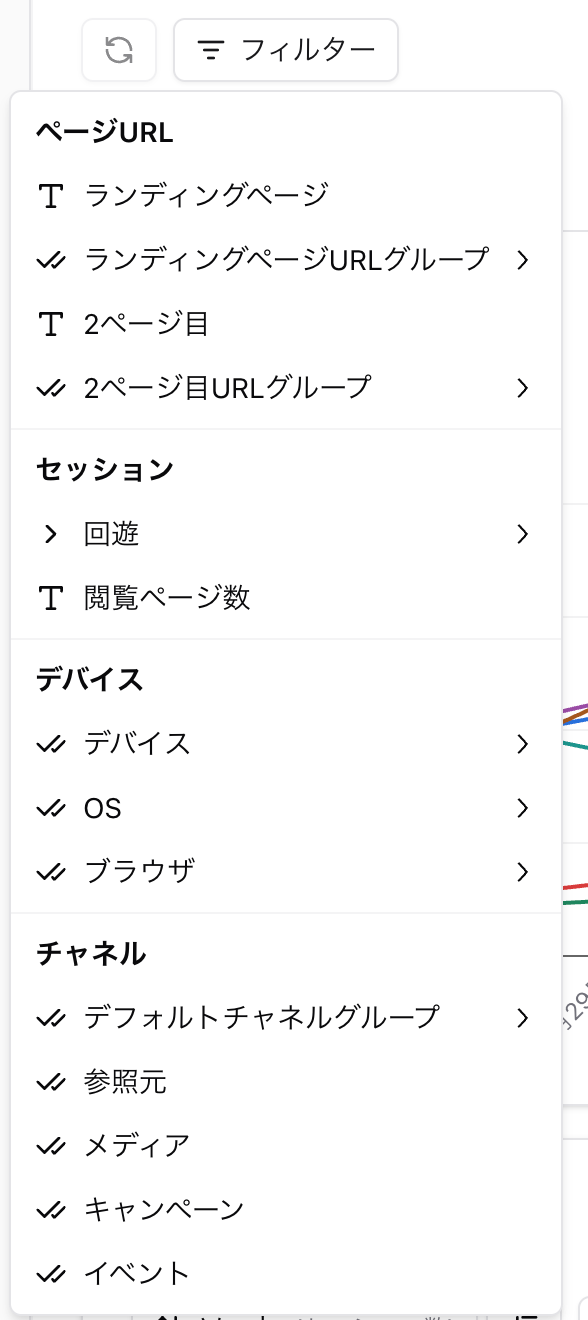
By creating groups that organize URLs in advance, you can easily analyze directory-level traffic in Search Analytics. In User Analytics, you can use URL groups as filters for landing pages and second-page URLs. Index Worker can also import and use URL groups.
Other examples
Example 1) Create a group of URLs related to a priority product so you can view data only for that product.
Example 2) Create URL groups for category top pages that list articles on a media site.
Example 3) Create separate URL groups for content aimed at men and content aimed at women.
How to Create Groups
Section titled “How to Create Groups”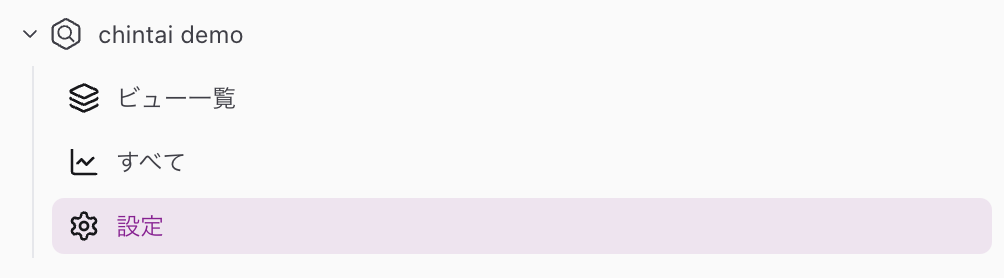
Open the group creation screen from “Settings” on the left side of the screen.

Suggestions
Section titled “Suggestions”Click “Suggestions” to have AI suggest candidates.
💡 After creating URL groups from suggested candidates, we also recommend creating views for those groups and listing them together.
Import CSV
Section titled “Import CSV”You can use a CSV file to group a large number of queries or URLs at once.
🚄 Create the CSV file without a header row, using one item per line starting from the first column. As of 2025/05, only UTF-8 character encoding is supported.
🧵 For URL groups, specify URLs that start with “http://” or “https://”.
Import from a Project
Section titled “Import from a Project”URL group settings can also be imported (copied) from other Search Analytics or User Analytics projects.
Tips for Creating Groups
Section titled “Tips for Creating Groups”-
Use the “Other” filter to check queries or URLs that are not classified into any group.
- You can create a new group for unclassified queries or URLs, or add them to an existing group.
-
For queries, we recommend creating groups that account for spelling and notation variations.
- Example: Amethyst, amethyst, ametyst, amethist
-
Similar names that refer to different things can be excluded with a “does not contain” condition.
💡 You can use regular expressions for complex specifications. Regular expressions can be created more easily with external AI services such as ChatGPT.
More detailed tips
Only regular expressions that work in BigQuery can be used.
BigQuery uses the re2 library as its regular expression engine, so some regular expressions, including negative lookahead, cannot be used.
Try adding an instruction such as “make it work with the re2 library.”
✅ Group settings are configured per project.
🌀 Items that match multiple conditions are classified only into the group with the higher classification priority (smaller numbers have higher priority).
Use Created Groups
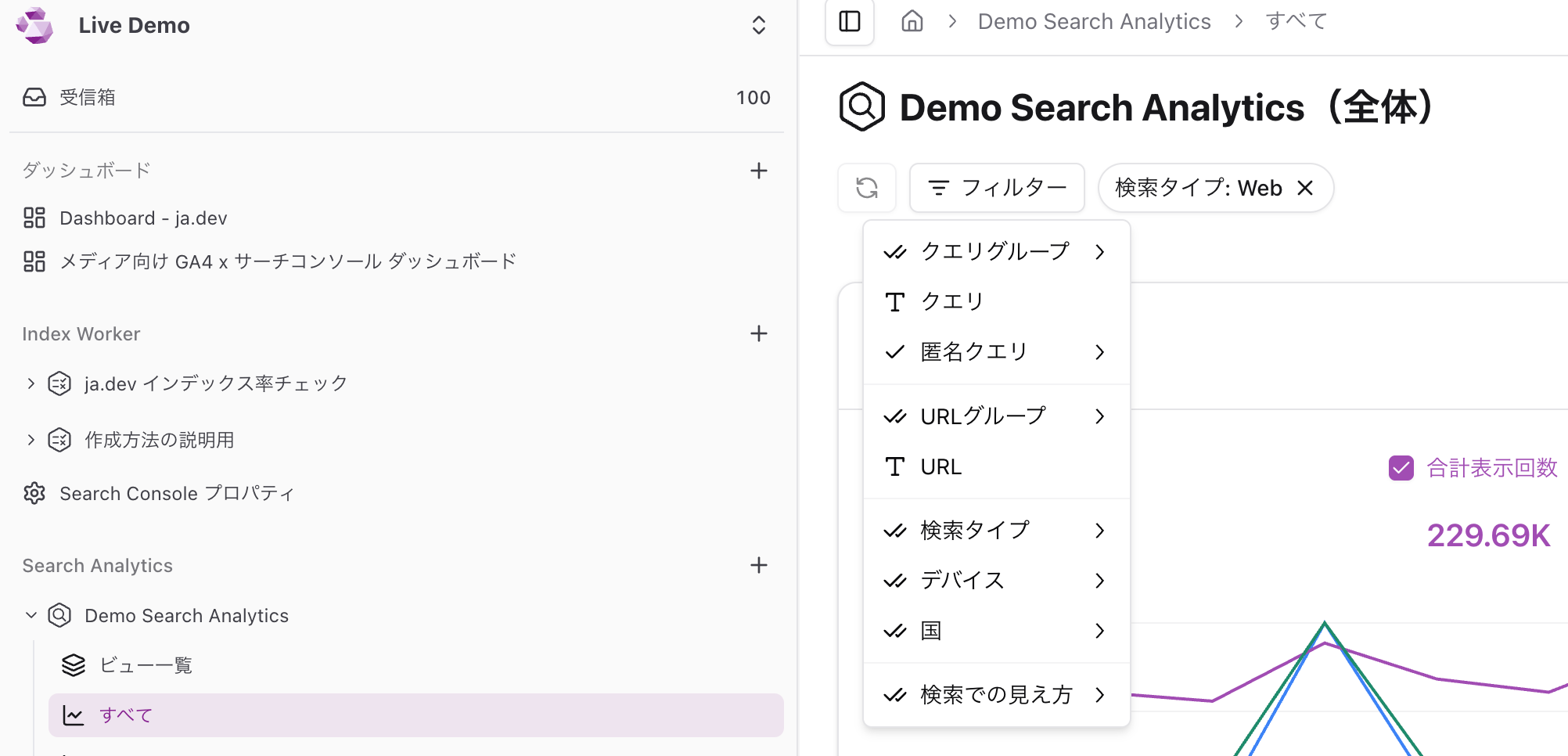
Section titled “Use Created Groups”Created groups can be used from filters.
In Search Analytics, you can use query groups and URL groups.
In User Analytics, you can apply URL group filters to landing pages and second-page URLs.